IDE (Integrated Development Environment) for BigQuery
Easily run queries, visualize your schema, auto-complete SQL queries, integrate with other databases, build CRUD applications on top of your BigQuery data, and so much more.
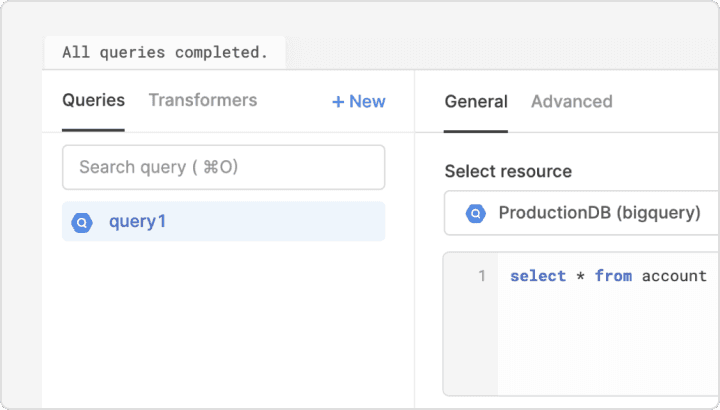
Connect to BigQuery in minutes
Connecting Retool to BigQuery takes just a few minutes and lets you build user interfaces on top of your BigQuery data. Just grab the private key from your Service Account with BigQuery privileges, and you're ready to go. For example, you can pull your event data by user into a Table component, and join it with data from Stripe to map payments to product activity.
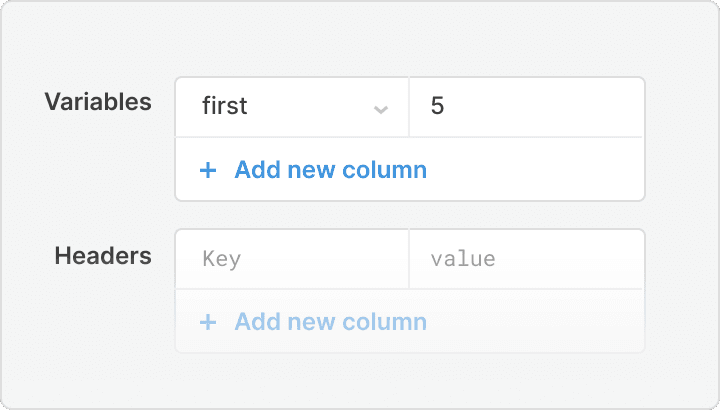
Use a fully featured BigQuery IDE
After connecting Retool to BigQuery, you can easily run queries, visualize your schema, and auto-complete SQL queries in our IDE. Manage, manipulate, and visualize your data with useful components like tables and graphs instead of endless scrolling through result sets.
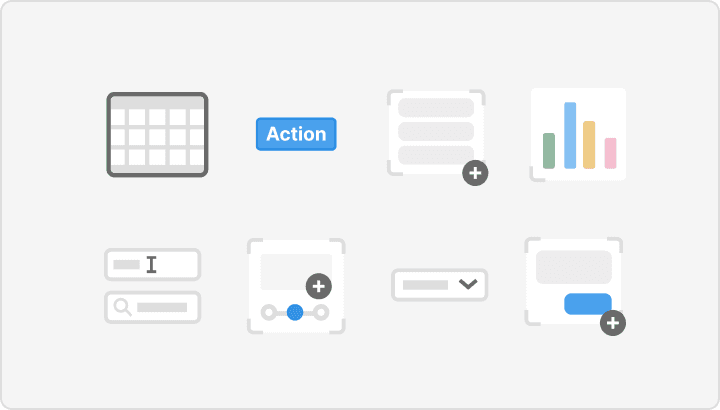
Ship faster with 50+ drag-and-drop React components
Retool gives you access to a library of 50+ pre-built UI components packed with functionality like tables, buttons, and text inputs. Skip the headache of searching for the right frontend templates and build your app in minutes.
From startups to Fortune 500s, the world's most effective teams use Retool to build custom business software. See our customers.







“We would have had to hire 2-3 full-time engineers to build what I did in 30 minutes using Retool.
We would have had to hire 2-3 full-time engineers to build what I did in 30 minutes using Retool.
JJ Maxwell
Co-Founder and CRO at JetFuel
Retool provides the building blocks for any internal tool
Whether you're building a basic CRUD interface or a detailed inventory management app, internal tools have the same building blocks: tables, text boxes, drop-downs, etc. Retool gives you a simple way to connect these building blocks with BigQuery so you can build and ship internal tools in hours, not days or weeks.