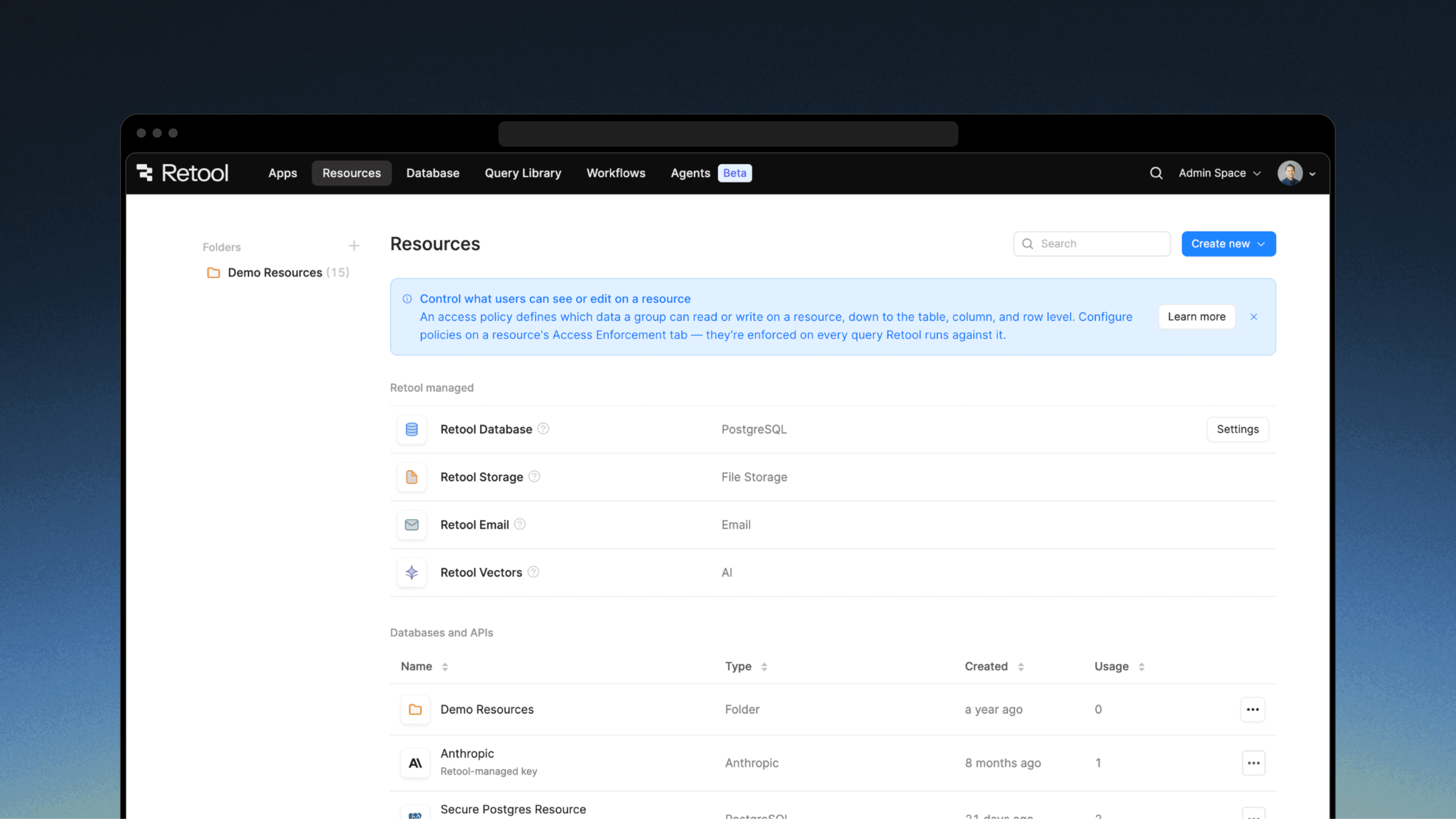
Retool can connect to just about any data source your business uses. Until now, resources that don’t support per-user authentication have relied on a single set of shared credentials, and those credentials can reach every table and column.
Teams that needed finer-grained control had to build and rebuild table-, column-, and row-level rules into their apps, workflows, and AI agents. As more people build, and more of the building is done by AI, security teams can’t review every request.
That’s why we’re excited to announce Data Access Enforcement. Now, access controls move to the resource level, not the app level. That means resource owners define table-, column-, and row-level access policies once, and Retool applies them everywhere that resource is used—whether it’s in an app, a workflow, a query library, or an AI agent.
Data Access Enforcement is closed by default and don’t take our word for it: an outside security firm penetration-tested before this launch. Our full 2026 penetration test report will be available via our Trust Center.

How we built Data Access Enforcement
To enforce data access security across the Retool platform we had four core requirements.
- Closed by default. When you enable enforcement on a resource, it closes to everyone—including admins—in every environment. Access expands only with an active policy. There are no deny rules to maintain, and a table or column added next month stays blocked until a policy covers it.
- Every query requires a user identity. Retool evaluates the policy against the identity behind the query: today, the signed-in user, whether the query came from an app, a workflow that user started, or an agent working on their behalf. A query with no identity behind it is blocked.
- Access is validated in the backend before the query runs. Retool parses each query with the Postgres grammar and checks each table, then every column it touches, then the row filter. A query that touches an ungranted table or column fails before it runs, with an error that names it. Data is only pulled and reaches the frontend if a user has access to it.
- Fail closed. If Retool cannot parse or evaluate a query, it blocks it.

Granular controls from tables down to row level security (RLS)
- Tables. A query against a table that has not been granted fails, and the error message names the table so there’s no wondering which one is the problem.
- Columns. Grant some columns and not others.
SELECT *does not get anyone into a column they were not granted. The schema browser hides ungranted columns as well. - Rows. With row level security (RLS), you can filter rows by the identity running the query. This can be their email or a user attribute you already manage in Retool—like team or region.
- Read or write. Grant read-only or read-and-write access, separately from who can use the connection. One limit: Row filters govern which existing rows a user can read, update, or delete, not which rows they can insert.

The access controls you set for a resource apply across interactions points
A single click in an app can set off queries across several parts of Retool. For example, say an account manager clicks Prepare renewal brief in a renewal app. That starts a workflow, which runs as them, pulls the account's usage, tickets, and invoices from Postgres, and hands them to an AI agent that drafts the brief.
One policy on the resource covers all of it:
- A row filter on
account_ownermeans the app, the workflow, and the agent can only read accounts this account manager owns. discount_pctandgross_marginare granted only to Finance. If the agent selects them, the query fails, and those numbers cannot reach the brief.
No permission logic lives in the app, the workflow, or the agent’s prompt. The next app built on this resource gets the same policy from its first query.
Rolling it out in your organization
Because enforcement is closed by default, turning it on blocks every query no policy covers. Before you enable it on a resource, here are some best practices to follow:
- Plan policies for the groups that use the resource, so that you can restore their access right away and existing apps keep working.
- Connect directly to Postgres. Connection-pooling proxies such as PgBouncer can break enforcement.
- Set specific environments. Each policy applies only to the environments you select.
Keep in mind that some queries are always blocked on an enforced resource, regardless of policy. That includes queries that can’t be attributed to a signed-in user, such as those from public apps, embedded apps, and workflows triggered by a schedule or webhook, as well as queries on resources with prepared statements turned off.
To turn enforcement on, navigate to Resources, select the Access Enforcement tab, toggle on Data access enforcement, and click Save changes.

A good place to start is a single Full access policy for all users, which keeps the resource working the way it did before. From there, add narrower policies for the groups you want to restrict, and use Except to remove those groups from the broad policy.

For more detail follow the step by step setup guide.
Available now, in public beta
Data Access Enforcement is available now in public beta for Enterprise orgs across cloud, edge, and stable deployments for Postgres resources.
If you have Postgres resources with more builders or more sensitive data than you're comfortable with, get started today.
We'll be building on this foundation in the releases ahead, and you can help us shape what great data security looks like! Share your feedback with us on Twitter/X (opens in a new tab), LinkedIn (opens in a new tab), or in our community.
Data Access Enforcement was built by Andrew Guan, Andrew Morse, Angie Palm, Ben Lui, DJ Zappegos, Frank Gan, Jeff Rosenberg, Jennifer Jarnefeldt, Keshav Singhal, Kun Qian, Kyle Cheung, Leonid Domnitser, Mark Nguyen, Stephan Pfistner, and Tim Chang.