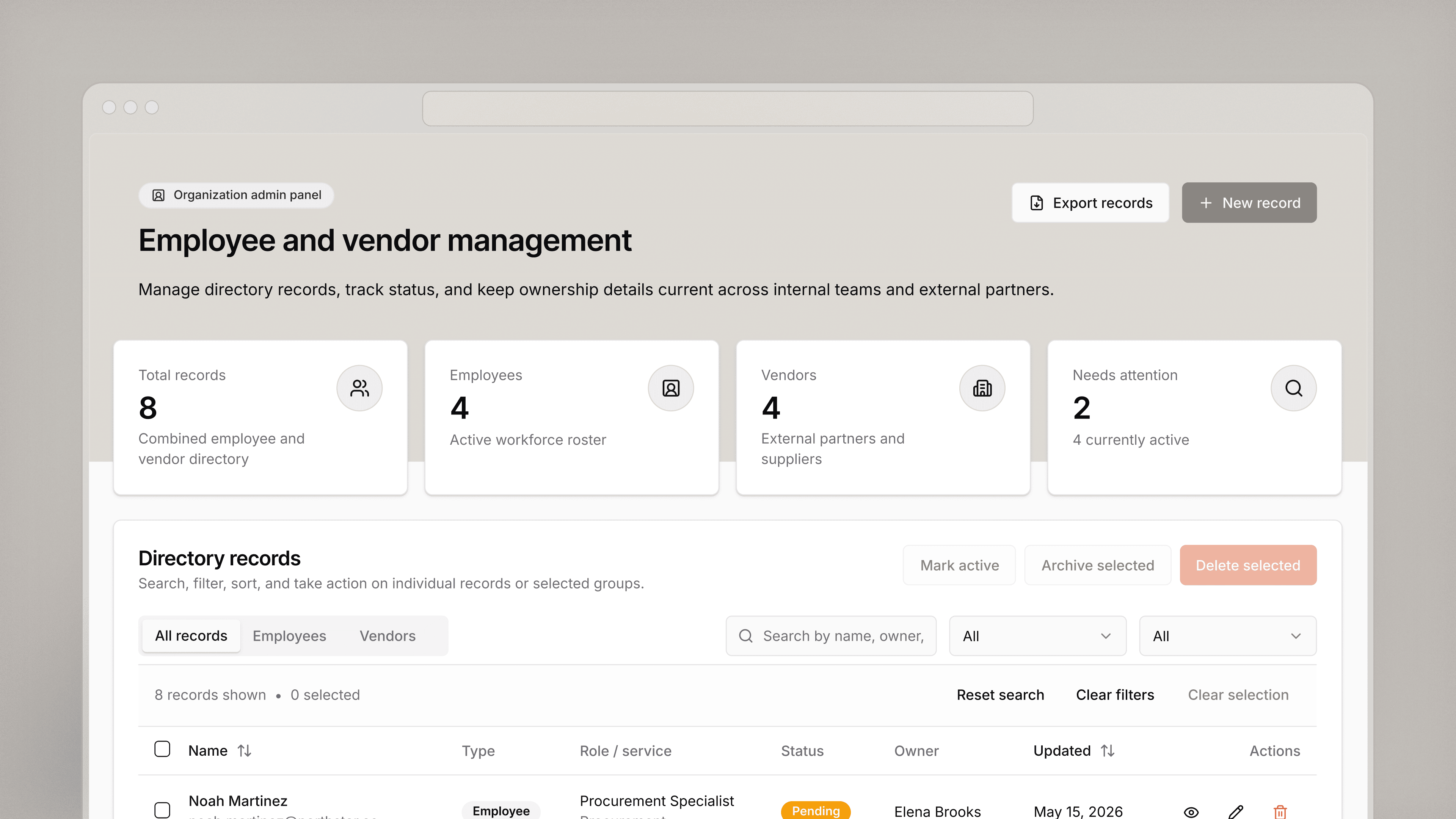
Invoice processing dashboard
Build a tool to create customer invoices and manage quotes for the various services you provide.
Industry
End users
Build on your own data
Retool connects to your databases, third-party services, and anything with a REST or GraphQL API. Describe the app you want and AppGen builds it against your real data — with your organization's SSO, permissions, and audit logging already applied. Browse the integration library to see everything Retool connects to.
 1. Connect your data
 2. Query it
 3. Build the UI
From startups to Fortune 500s, the world's most effective teams use Retool to build custom business software. See our customers.







“Retool is incredible. It's been a critical for our ops from the start, and is the reason we’re able to scale so quickly. And the on-prem version with access controls & audit logs makes it easy to meet our compliance requirements.
Retool is incredible. It's been a critical for our ops from the start, and is the reason we’re able to scale so quickly. And the on-prem version with access controls & audit logs makes it easy to meet our compliance requirements.
Pedro Franceschi
Co-founder and CTO at Brex