View all use cases

Content curation tool

Build a content aggregator that makes it easier for curators to extract the signal from all the noise

Book a demo

Industry

mediasoftware-as-a-serviceecommerce

End users

operationsmarketing-and-sales

Components

Text
Table
Text Input
Button
2+
Content curation tool
Components

Build from a handful of drag-and-drop components

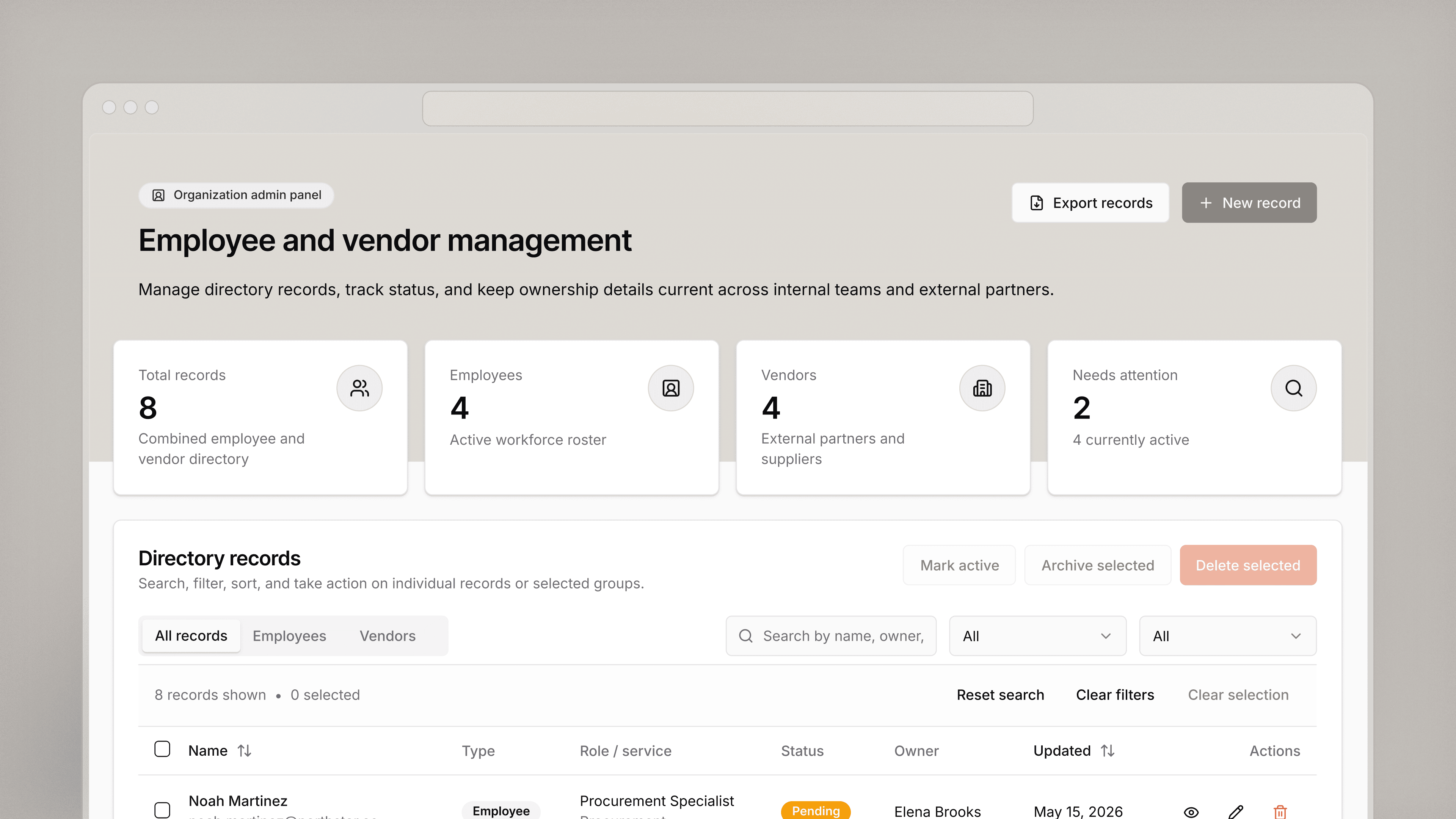
Table
Table display content in a table that provides context like date published, publication, article title, location, and more.
Dropdown
Dropdown filter content shown in your table with dropdown menus.
Date Picker
Date Picker filter results in your table by a selected date or date range.
Text Input
Text Input use text input fields to allow curators to modify titles and descriptions for a newsletter or app notification.
Button
Button allow copywriters to submit modified text for a title and description with the click of a button.
Checkbox
Checkbox use checkboxes to give curators the ability to modify how content is distributed (e.g., do not allow comments)
Integrations

Data source

Content available for curator selection can be ingested into a database or Retool via API. Retool connects to nearly anything with a REST or GraphQL API.

Step 1 Create resource1. Create resource
Step 2 Read data2. Read data
Step 3 Connect data with UI3. Connect data with UI

From startups to Fortune 500s, the world's most effective teams use Retool to build custom business software. See our customers.

amazon logostripe logoplaid logobrex logoorange-theory logoramp logogong logoburgerking logo

We would have had to hire 2-3 full-time engineers to build what I did in 30 minutes using Retool.

JJ Maxwell

Co-Founder and CRO at JetFuel